
FTP
Opens a project that lives on an FTP or FTPS server, and edits it as though it were here. Enabled by default; it does nothing until a remote project is open.
porta ftp ftp://me@example.org/public_html
porta ftp ftps://me@example.org:2121/site      # TLS required, on the FTP port
porta ftp ftp://ftp.example.org/pub            # no user: anonymous
Logging in
porta ftp asks for the password on your terminal and logs in once, to be sure of it. It keeps the password in ~/.porta/ftp/, in a netrc file only you can read. curl reads that file directly, so the password never appears on a command line. A password that does not log in is not kept.
ftps:// means explicit TLS (AUTH TLS on the FTP port), which is what most servers that offer TLS speak.
You can also open one from inside Porta with File → Open Remote Project… (Ctrl+Alt+Shift+O). When the server refuses the login, Porta asks for the password, with the characters shown as bullets, and keeps it the way porta ftp does, and asks the server again at once. Dismiss the question and it is asked again at the next refusal a minute or more later. A refused login is not retried on its own for five minutes — a server that counts refused logins may lock you out — unless you give the password or pick Reconnect Now.
How the project is kept
The project is kept in ~/.porta/remote/, as a cache:
- A directory is listed the first time the tree shows it. Every file in it appears at once, but as an empty placeholder.
- Soon after the project opens, the whole tree is listed, one directory at a time and leaving out
vendor/,node_modules/and.git/, so Go to File finds a file in a directory you never expanded. - A file is fetched the first time you open it.
- A save writes the cache, then sends the file to the server in the background. It is uploaded under a temporary name and renamed over the real one, so nobody downloads half of it.
- Porta re-lists, every few seconds, the directories holding your open files and the ones you expanded, so a file changed on the server reloads.
Saves are refused when the file changed on the server since you fetched it, and saving again overwrites. Quitting while changes are still on their way asks twice. The status bar shows the server, and ⇡2 while two changes are still on their way.
When the server cannot be reached — the network went, the server restarted — nothing you saved is lost. The status bar shows ⌁, your saves wait in order, and Porta asks the server again, less and less often, until it answers; then everything that waited is sent, and a toast says you are back. Right-click the server in the status bar for Reconnect Now. A save the server itself refuses (no permission, a full disk) stays here: it is counted in ⇡, never overwritten by the server's copy, and sent again when you next save it.
Porta opens at most two connections to the server at once, so a host that limits connections per address is not refused into errors, and a transfer that stops moving for half a minute is given up and tried again.
Server requirements
The server must support MLSD, which gives exact sizes and times. Servers from the last fifteen years do. One that does not says so when a directory is listed.
What runs on this machine
Language servers, Run, the terminal, the debugger and the analysers stay off for a remote project. The cache holds what you opened, not the project. FTP cannot run commands on the server, so Find in Files searches only the files you have opened.
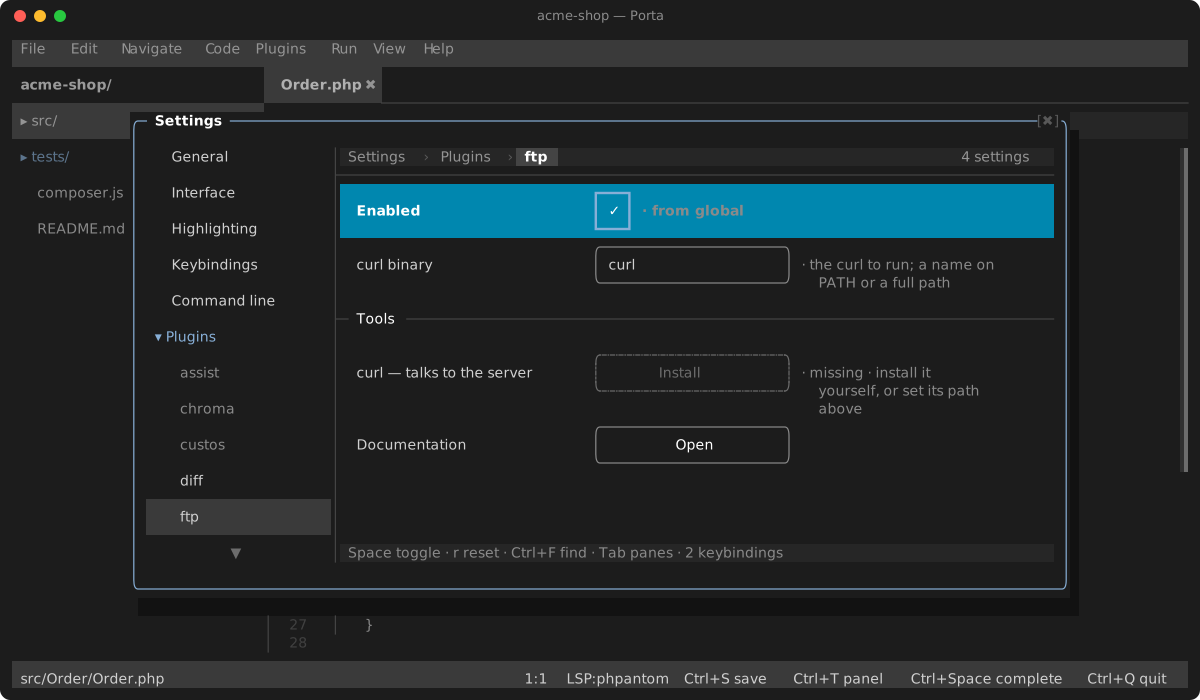
Settings
| Setting | Default | What it does |
|---|---|---|
| curl binary | curl | The curl to run: a name on PATH, or a full path |