
SSH
Opens a project that lives on a server, over ssh, and edits it as though it were here. Enabled by default; it does nothing until a remote project is open.
porta ssh deploy@example.org:/srv/app
porta ssh ssh://deploy@example.org:2222/srv/app
porta ssh example.org:sites/app        # relative to your login directory
porta ssh connects on your terminal first, so a passphrase, a password or a host key seen for the first time is answered there. That connection stays open (ssh's ControlMaster, ten minutes after its last use) and the IDE shares it: every file it lists, fetches or saves rides it, one round trip each. Your ~/.ssh/config applies, so a host alias works as the host.
You can also open one from inside Porta with File → Open Remote Project… (Ctrl+Alt+Shift+O). The IDE never prompts, though, so a server that needs a password has to be connected with porta ssh first. A server your keys or ssh-agent let you into works from either.
How the project is kept
The project is kept in ~/.porta/remote/, as a cache:
- A directory is listed the first time the tree shows it. Every file in it appears at once, but as an empty placeholder.
- Soon after the project opens, the whole tree is read in one
find, leaving outvendor/,node_modules/and.git/. Go to File then finds a file in a directory you never expanded. - A file is fetched the first time you open it. Opening one that is not here yet, from a search result say, still lands on its line once it arrives.
- A save writes the cache, then sends the file to the server in the background.
- Porta re-lists, every few seconds, the directories holding your open files and the ones you expanded. A file someone changes on the server reloads like any file changed on disk, and warns first if you have unsaved edits.
Saves are refused when the file changed on the server since you fetched it. The toast says so, and saving again overwrites. Quitting while changes are still on their way to the server asks twice, like quitting with unsaved edits.
The status bar shows the server: ⇅ example.org. It also shows ⇡2 while two changes are still on their way, and is highlighted after a refusal until the server next says yes. A directory the server would not list is asked again half a minute later.
When the server cannot be reached — the network went, the server restarted — nothing you saved is lost. The status bar shows ⌁, your saves wait in order, and Porta asks the server again, less and less often, until it answers; then everything that waited is sent, and a toast says you are back. Right-click the server in the status bar for Reconnect Now. A save the server itself refuses (no permission, a full disk) stays here: it is counted in ⇡, never overwritten by the server's copy, and sent again when you next save it.
The shared connection sends keepalives, so one that died with the network is noticed in under a minute and the next call opens a new one. An upload cut off halfway never replaces the file on the server: it is checked whole first. When ssh says your key or password was refused, Porta waits five minutes before trying again — a server that counts refused logins may lock you out — unless you pick Reconnect Now.
What runs on this machine
The cache holds what you opened, not the project. So nothing that would run the project here is offered:
- language servers stay off;
- Run, the terminal, the debugger and the analysers and formatters say the project is on the server.
Find in Files runs grep on the server, and so does Search Everywhere's text tab, so they search every file, not only those you opened. Replace All fetches the files it has to change first, then replaces once they are all here.
The server needs only sh and the standard tools: find or stat, cat, mv, mkdir, rm and mktemp.
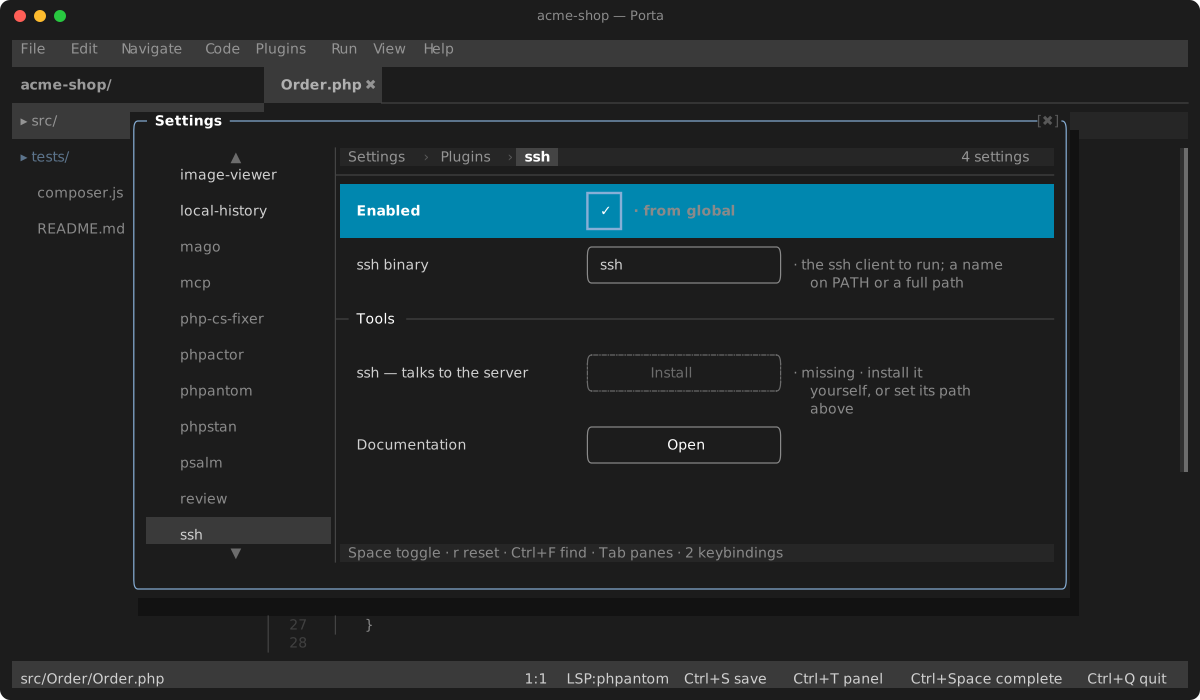
Settings
| Setting | Default | What it does |
|---|---|---|
| ssh binary | ssh | The ssh client to run: a name on PATH, or a full path |