
PHPStan
Runs PHPStan on the file you are editing, without leaving the editor. Bundled with Porta and off by default — turn it on under Settings → Plugins → phpstan.
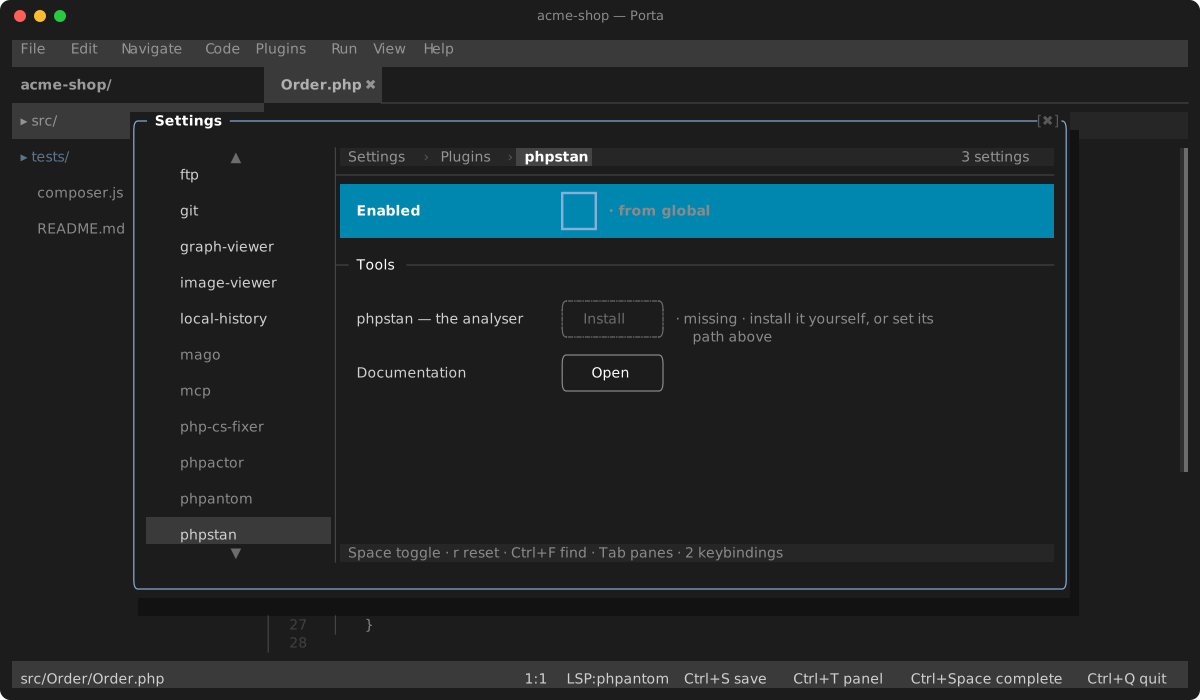
PHPStan: Analyse Current File (Ctrl+Alt+A, or the Plugins menu) analyses the active file with your project's own PHPStan configuration. Findings are published as editor diagnostics — inline messages, gutter and stripe marks, and the Problems panel (Alt+6), exactly like a language server's — and a clean run clears them. A language server that publishes diagnostics for the same file replaces them, and the other way round: the last writer wins.
The plugin finds phpstan through its phpstan binary setting when you set one, then vendor/bin/phpstan, then your PATH. While none of those resolves, its menu entries stay dimmed, and its page under Settings → Plugins offers to install it (composer require --dev phpstan/phpstan).
Settings
| Setting | Default | What it does |
|---|---|---|
| phpstan binary | empty | The executable to run; empty finds it as above |
| Analyse on save | off | Analyse each PHP file when you save it. PHPStan: Toggle Analyse on Save flips it from the palette |
Keys
| Key | Action |
|---|---|
Ctrl+Alt+A | Analyse the current file |